Matching QuickBooks integration software to accounting workflows and automation goals is confusing if options only cover generic data syncing. Many QuickBooks integration tools fail to offer task-level automation, deep workflow explainability, or affordable per-feature pricing tailored to accountants. You can compare how each alternative handles workflow automation, granular reporting, and pricing to find a solution that fits your accounting needs without extra trial and error.
Table of Contents
Peregrine
At a Glance
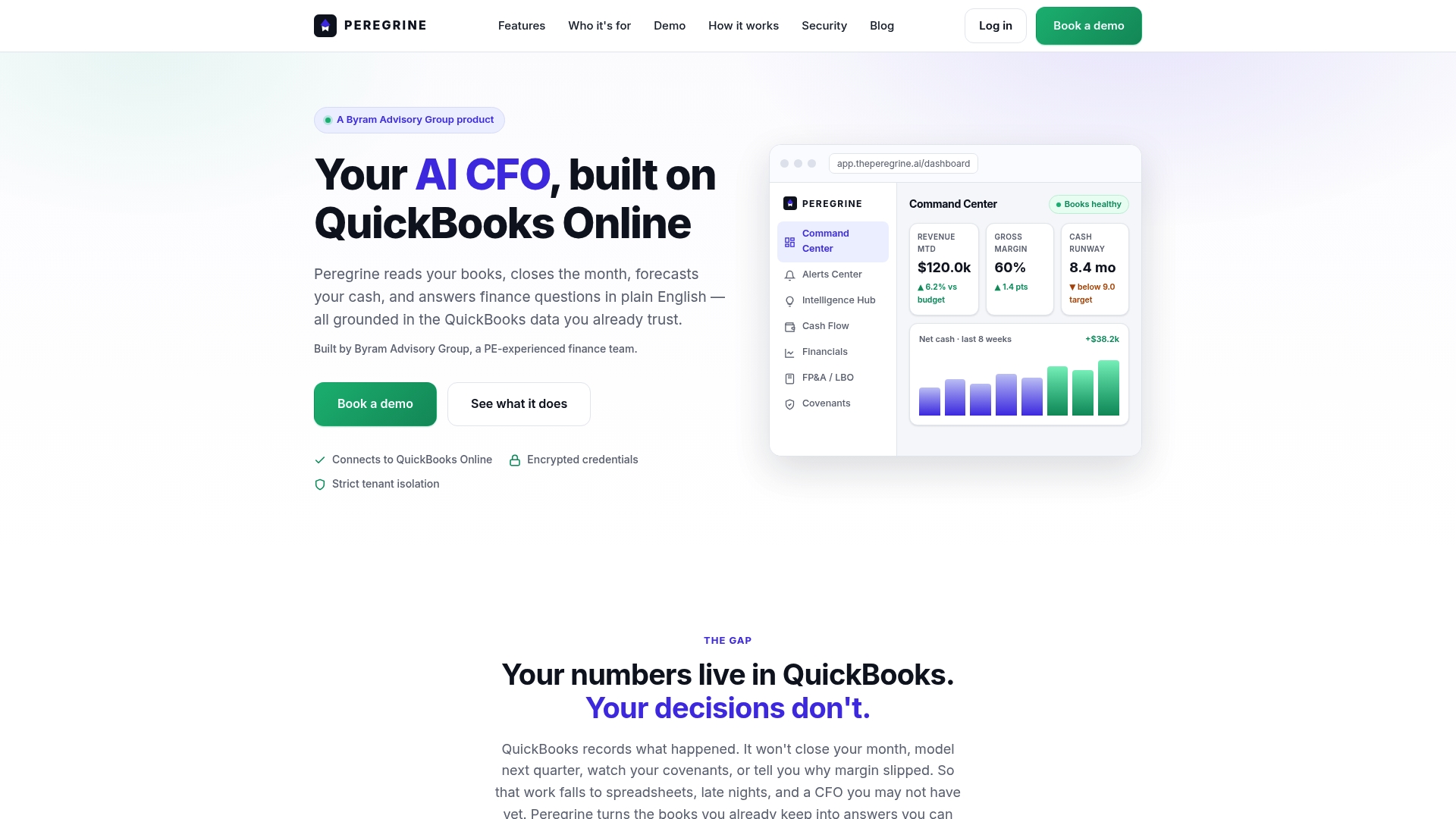
Reads your books, closes months, forecasts cash, and answers finance questions in plain English using your QuickBooks Online data. The platform ties ledger-level figures to every answer so you can trace a number back to its source. It also offers modules for cash forecasting, FP&A, covenant tracking, and month end close.
Core Features
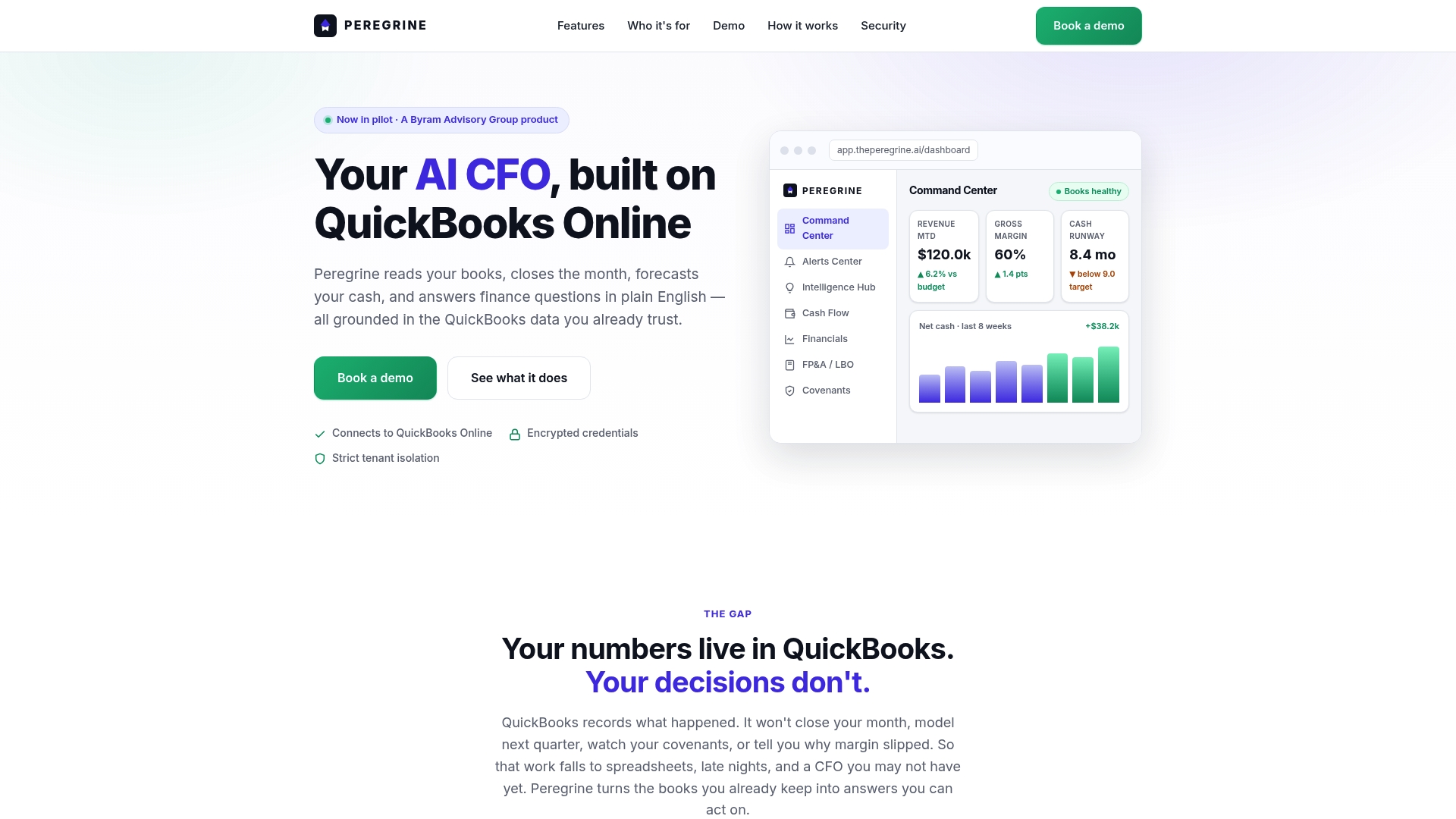
Peregrine connects directly to QuickBooks Online and shows live dashboards with KPIs, alerts, and drilldowns tied to ledger entries. The system automates month end close with reconciliations and anomaly detection and runs editable 13 week cash flow forecasting from real ledger assumptions. FP&A tools include budgets, scenario modeling, and leveraged buyout evaluation using actual accounting data, while tenant isolation and encrypted handling protect each client ledger.
Key Differentiator
Deep QuickBooks integration plus purpose built finance workflows and explainability make Peregrine distinct. Its answers cite source figures and reconciliation steps instead of giving opaque, generic summaries. That lineage from ledger to conclusion matters when auditors, lenders, or stakeholders ask for evidence.
Pros
Built by a PE experienced finance team, Peregrine mirrors real accounting workflows and uses agent tools targeted at closing and reporting tasks. It reduces manual reconciliations by automating routine close steps and flags anomalies so you spot outliers before they affect reporting. The platform supports portfolio management with standardized reports and covenant tracking, which helps accountants and CFOs monitoring multiple entities keep consistency across subsidiaries.
Cons
- Requires a QuickBooks Online subscription, so it will not work if your company uses another general ledger system.
Who It's For
Finance professionals, CFOs, and accountants using QuickBooks Online who want to automate month end close, get frequent cash forecasts, and run scenario analysis across multiple entities. Private equity teams and controllers who track covenants and consolidated reporting will find the portfolio reporting and LBO modeling useful.
Unique Value Proposition
Delivers CFO grade visibility without hiring a full time CFO by surfacing ledger backed answers and automated close tasks inside the accounting workflow. That approach shortens the time between a question and a verifiable answer because every dashboard and reply links back to the underlying journal entries and reconciliations.
Real World Use Case
A CFO at a mid sized company uses Peregrine to automate the month end close checklist and reconcile accounts automatically. The CFO runs a live cash forecast before board meetings and queries the platform in plain English for the drivers behind a revenue variance. Covenant breaches are monitored across entities and the CFO exports standardized reports for the lender.
Pricing
Pricing is not publicly listed. The vendor describes this offering as informational only rather than publishing tiers or a starting price on the site. Contact Peregrine for custom pricing and deployment details.
Website: https://theperegrine.ai
Commerce Sync
At a Glance
Plans start under $1 per day, and Commerce Sync includes a free trial plus live support. The service moves daily sales from point of sale systems into accounting platforms automatically. That low cost and hands off sales transfer is aimed at shops and accountants who want fewer manual entries.
Core Features
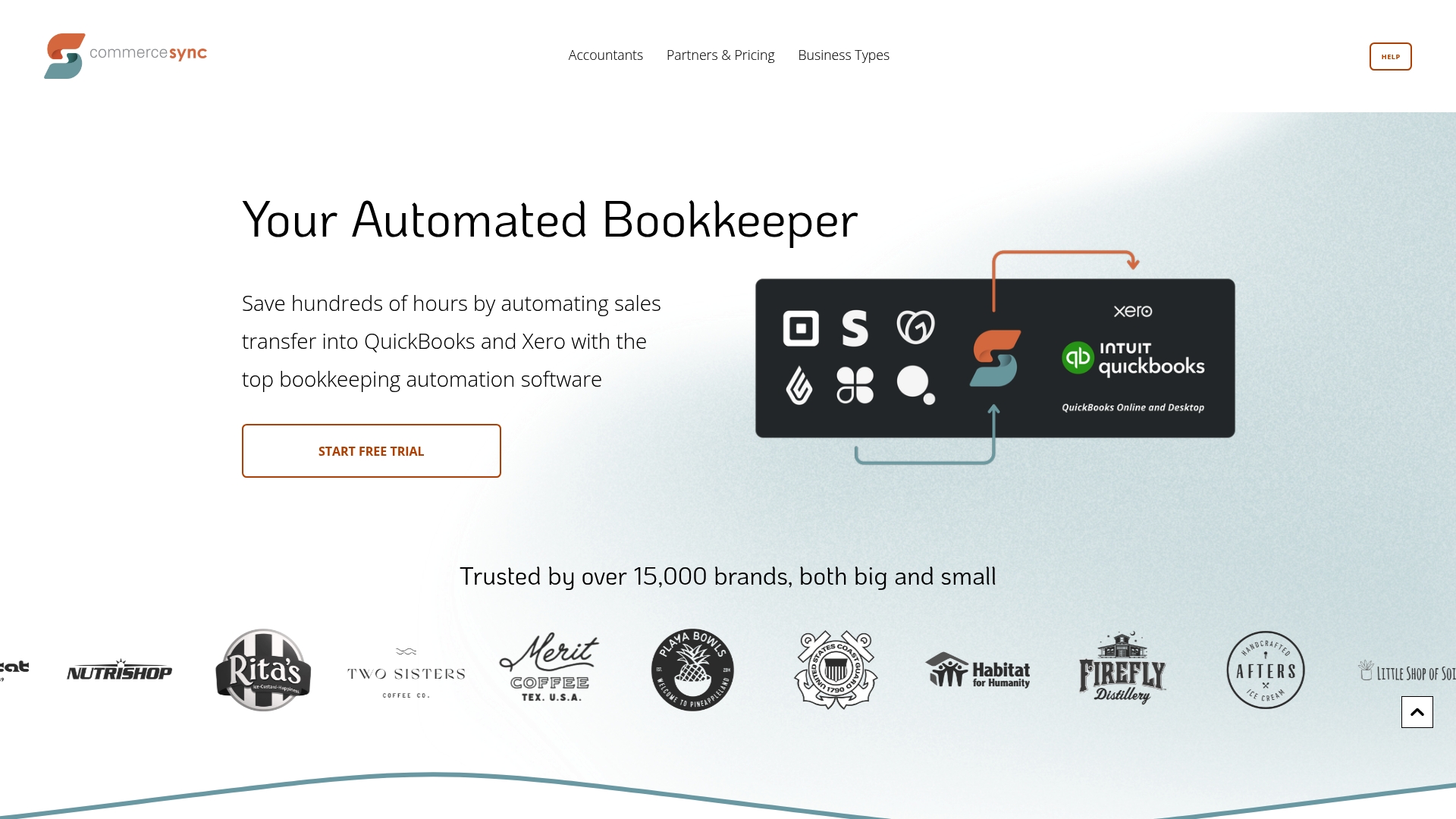
Commerce Sync performs automated sales transfer into QuickBooks Online, QuickBooks Desktop, and Xero, with daily summaries and sales by category or customer. It connects to multiple POS providers such as Clover, Square, Lightspeed, and GoDaddy and supports historical back dated syncing for prior sales. The platform handles multi location setups so you can consolidate receipts from several storefronts into one ledger.
Key Differentiator
The core difference is broad POS coverage combined with automated daily and historical sales syncing. That focus makes it practical for accounting firms and businesses that rely on many POS systems. The product aims to remove manual upload work when sales data lives across multiple venues.
Pros
Automatic sales transfer reduces time spent on manual entry and lowers simple posting errors. Support for both QuickBooks and Xero plus a long list of POS connectors lets firms manage diverse client setups from one account. Pricing starts low, which keeps recurring costs predictable for small merchants, and the vendor includes a free trial and support for onboarding.
Cons
- Does not support inventory management or calculation of cost of goods sold. This means you still need another tool for inventory tracking.
- Transfer errors can occur and will require troubleshooting, especially when a POS updates its API. That troubleshooting can add work when integrations change.
- Limited to sales data only. It will not import bills, payroll, bank rules, or other bookkeeping elements.
When It May Not Fit
If you need product level inventory or automated COGs, Commerce Sync will not meet that requirement. Larger retailers that depend on integrated inventory and purchasing workflows will need a different tool. Businesses that require a single system for full bookkeeping and payroll should look elsewhere.
Notable Integrations
- QuickBooks Online
- QuickBooks Desktop
- Xero
- Authorize.Net
- Clover
- GoDaddy
- Lightspeed
- Square
Who It's For
Small to medium sized business owners who want automated sales posting into their accounting package will benefit. Accounting professionals managing multiple retail or hospitality clients will find the POS breadth useful. Multi location merchants that need consolidated daily sales into one ledger will see the most value.
Real World Use Case
A retail chain with three stores uses Commerce Sync to move daily receipts from each location into QuickBooks. The automatic daily summaries replaced manual CSV exports and cut reconciliation time for the bookkeeper. Historical syncing let the chain back fill several months of prior sales when they switched POS providers.
Pricing
Plans start at $20 per month for basic features, with higher tiers up to $46 per month for expanded connectors and support. The vendor advertises plans under $1 per day and offers a free trial to test connectivity before committing. Support is included with paid plans to assist with setup and troubleshooting.
Website: https://commercesync.com
FinOptimal
At a Glance
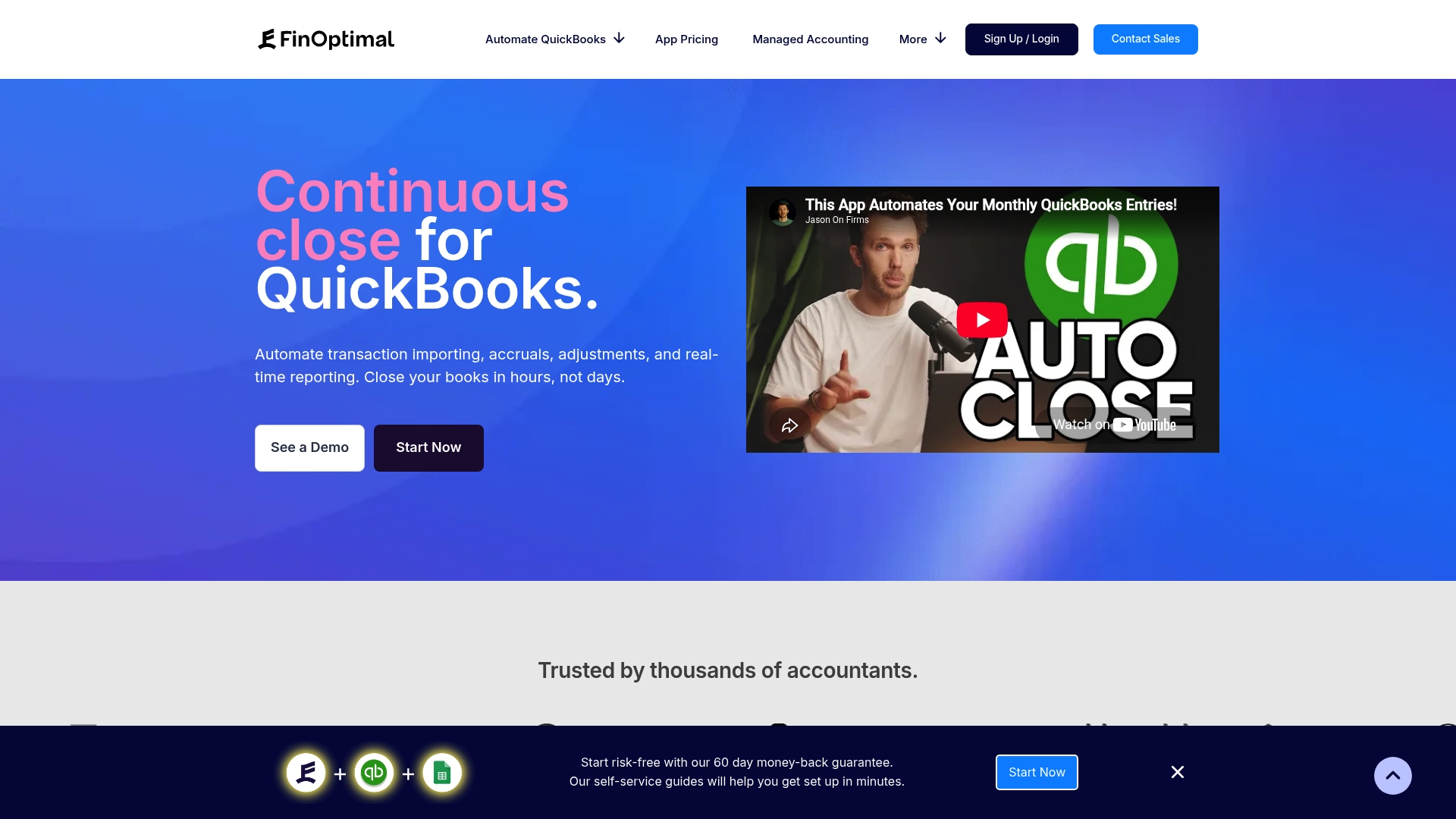
Accruer starts at $29/month, while Booker and Wrangler each start at $99/month. The product offers app-based automation that replaces repetitive QuickBooks Online entries and supports unlimited users and reports. Setup is self service and aimed at accounting teams rather than general business users.
Core Features
FinOptimal automates monthly QuickBooks entries including accruals, adjustments, and live reporting, and it links journal lines to supporting transactions to reduce duplicate work. The suite breaks into dedicated apps: Accruer for accruals, Booker for Google Sheets syncing and editing, and Wrangler for live data reporting. Data validation runs during import and the vendor advertises minimal implementation effort.
Key Differentiator
FinOptimal focuses on task level automation tightly integrated with QuickBooks Online and accounting workflows. Unlike broader finance command centers, this product slices automation into accountant-friendly apps that let firms pick the exact automation they need.
Pros
Specialization in QuickBooks Online makes the automation precise for common accounting tasks. The app model lets you buy only the functionality you need, which keeps ongoing costs aligned with specific workflows. Designed by accountants for accountants, the interface and default rules match familiar month end tasks. The vendor highlights strong support and a money back guarantee for new customers.
Cons
- Supports only QuickBooks Online, not QuickBooks Desktop or other accounting systems. This limits firms that run multiple accounting platforms.
- Requires familiarity with accounting workflows to get full value. Nonaccounting staff will face a learning curve when configuring accruals and adjustments.
- Some capabilities described as unlimited or bundled may incur extra fees. Expect additional costs for advanced accrual volumes or report packages.
When It May Not Fit
If your firm uses QuickBooks Desktop or a different ERP, FinOptimal will not connect to those systems. If your team lacks accounting knowledge, the setup and rules will require outside help. If you need a single tool that replaces a CFO grade dashboard and broad integrations, this product may feel narrowly focused.
Who It's For
Accounting firms and small to mid sized businesses using QuickBooks Online that want to shorten month end and reduce manual journal work. Best for teams that already understand accrual accounting and want app by app pricing instead of a bundled suite. Also useful for firms that rely on Google Sheets for transaction cleanup.
Real World Use Case
An accounting firm uses Accruer to post recurring accruals for prepaid expenses and payroll. The firm uses Booker to pull transactions into Google Sheets for review and then pushes validated entries back to QuickBooks Online. Wrangler then generates customized reports so clients receive current financials without manual exports.
Pricing
Pricing is app based. Accruer starts at $29/month. Booker and Wrangler each start at $99/month, and bundles are available. The vendor offers discounted pricing for accounting firms and custom quotes for managed services.
Website: https://finoptimal.com
Comparison of alternatives
Selecting the right QuickBooks integration software depends on balancing automation needs, reporting depth, and compatibility with current workflows. Here is a detailed comparison of available solutions:
Workflow Automation
Peregrine provides advanced automation functions tailored to finance professionals by integrating deeply with QuickBooks Online, offering features like anomaly detection during the month-end close that streamline extensive reporting processes. FinOptimal specializes in modular automation apps, allowing accounting teams to select tools such as Accruer for recurring transactions or Booker for Google Sheets syncing. Meanwhile, Commerce Sync excels at simplified sales entry automation, benefiting small retailers who manage daily POS transactions.
Integration and Compatibility
Commerce Sync offers broad compatibility, linking various POS systems, including Square and Clover, with QuickBooks Online, QuickBooks Desktop, and Xero, making it ideal for multi-location retail setups. FinOptimal narrows its focus to exclusive QuickBooks Online integration, ensuring rich functionality for firms already entrenched in this system. Peregrine complements entity-level QuickBooks operations with financial planning tools, positioning it as a priority choice for users managing consolidated reports.
Best fit
- Finance professionals and controllers needing automated month-end close and monitoring consolidated portfolios will find Peregrine the ideal solution.
- Small merchants or accounting firms seeking straightforward sales data uploads from diverse POS systems to QuickBooks platforms should opt for Commerce Sync.
- Teams managing accruals and adjustments within apps tailored for QuickBooks Online workflows will benefit from FinOptimal.
Our pick
For organizations requiring integrated FP&A capabilities, cash flow forecasting, and ledger-level decision transparency, theperegrine.ai provides functionality. Its dashboard links each output to the original accounting entry, offering verifiable insights suitable for audit, lender presentation, and strategic review. However, small-scale retail businesses looking primarily to sync sales data might find Commerce Sync more cost-effective and streamlined. For finance management centered on QuickBooks, Peregrine remains the preferred choice.
Identifying and analyzing the most suitable QuickBooks integration tool is vital for users seeking specific features and efficient workflows. Below is a comparison of three options:
| Software | Core Feature | Key Differentiator | Best For | Pricing | Notable Limitation |
|---|---|---|---|---|---|
| Peregrine | Automated close tasks, live cash forecasting | Ledger-triggered reporting linking figures back to sources | Finance professionals requiring deep QuickBooks Online integration | Price not published | Requires QuickBooks Online subscription |
| Commerce Sync | Sales data sync from POS to QuickBooks and Xero | Broad POS system integration and historical data sync | Businesses handling daily sales across many outlets | Starting at $20/month | Limited to sales data; lacks inventory and payroll functionalities |
| FinOptimal | App-based accruals, reporting, and adjustments automation | Dedicated apps like Accruer, Booker, and Wrangler | Accounting teams needing task-specific QuickBooks automation | Starting at $29/month | Supports only QuickBooks Online and requires accounting expertise for setup |
Why QuickBooks Integration Software Needs Real-Time Financial Insights
QuickBooks integration software users and finance professionals often struggle with slow month-end closes and unclear cash forecasts. Manual reconciliations waste time and leave room for errors. Peregrine solves these problems by connecting directly to QuickBooks Online and automating routine tasks like closing and forecasting. Its clear, ledger-backed answers help CFOs and accountants trace every number to its source, improving accuracy and speed.
Key benefits include:
- Automated month-end close with anomaly detection
- Editable 13-week cash flow forecasting
- Plain-English financial inquiries linking back to ledger data
See how Peregrine works to reduce manual effort and get CFO-grade visibility without hiring a full-time CFO.
Start improving your financial workflows now. Visit Peregrine to run a live cash forecast or automate your next month-end close with confidence.
FAQ
How does Peregrine automate month end close tasks?
Peregrine automates month end close tasks by performing reconciliations and anomaly detection. This feature helps finance professionals and accountants reduce manual reconciliations and flags issues before reporting. Users should expect a smoother, more efficient month end process with this automation.
What is the difference between Commerce Sync and Peregrine?
Commerce Sync excels in broad POS coverage and automated daily sales syncing between multiple systems. Peregrine, in contrast, focuses on deep QuickBooks integration with workflows that emphasize cash forecasting and financial reporting. Each tool serves distinct needs depending on the financial activities being managed.
Which platform offers cash forecasting features?
Peregrine offers a 13-week cash flow forecasting feature based on real ledger assumptions. This capability allows finance professionals to generate accurate projections for better decision-making. Users relying on cash forecasts can expect timely and relevant insights from this feature.
Can I use Peregrine if my company uses QuickBooks Desktop?
Peregrine requires a QuickBooks Online subscription to function, so it will not support users of QuickBooks Desktop. Those looking for a solution that works with QuickBooks Desktop should explore other options tailored to that platform's ecosystem.
What tools does Peregrine offer for budgeting and scenario analysis?
Peregrine includes comprehensive FP&A tools that cover budgets, scenario modeling, and leveraged buyout evaluations using actual accounting data. Finance teams seeking to perform detailed financial planning and assessments will find these capabilities beneficial.